/ Healthcare technology
SATUSEHAT Radiology Integration: A Readiness Checklist
Prepare radiology data integration with SATUSEHAT by defining scope, resource mapping, credentials, environments, and monitoring. Includes a readiness checklist for healthcare facility teams.
Quick answer
What to know before reading further
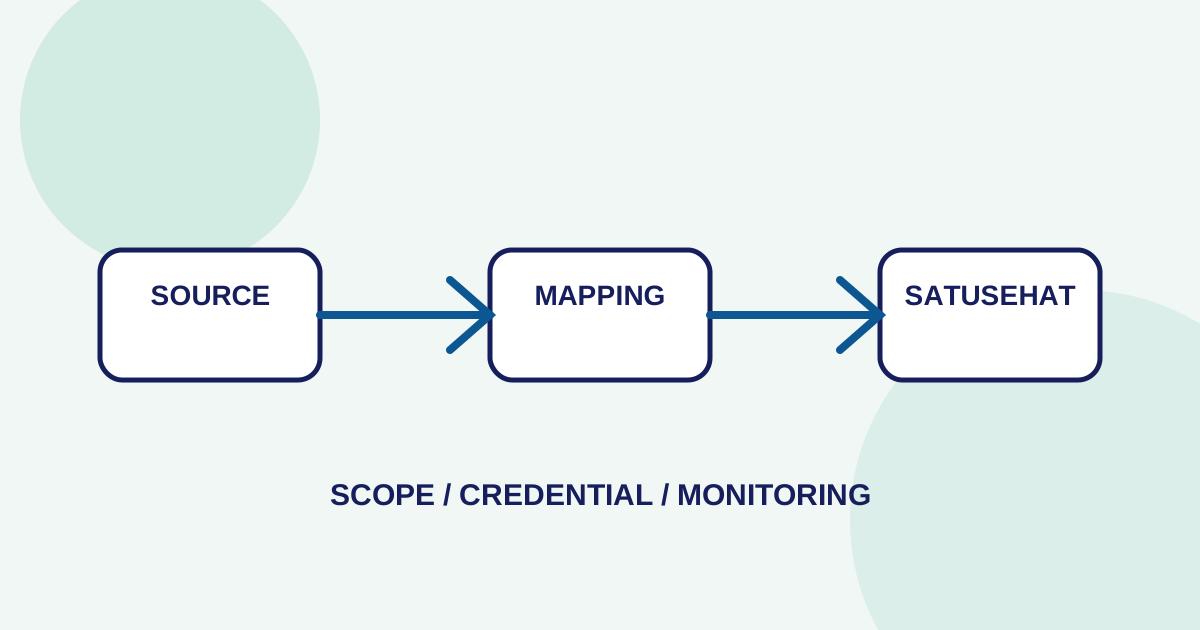
- SATUSEHAT integration is not only about sending images; teams must define resources, mappings, identifiers, credentials, environments, and error states.
- Readiness should be tested from facility source data and workflow through external responses, with monitoring that leads to an action.
Process map
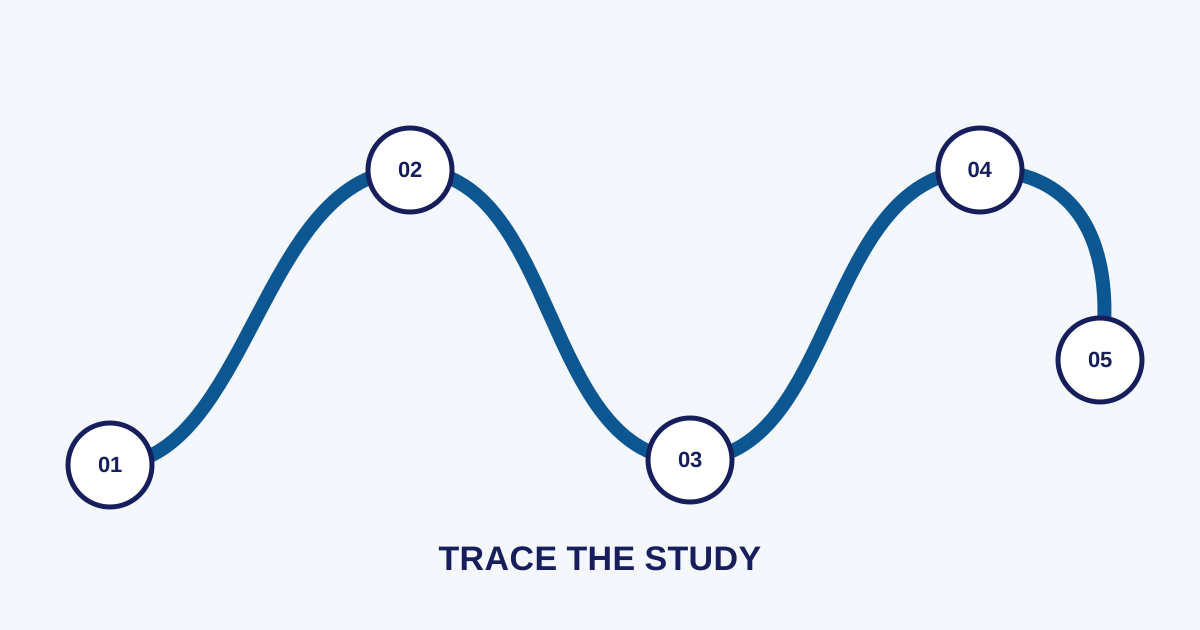
One examination, several checkpoints
- 01
Define scope
Specify the process, resource, patient, order, result, or metadata that belongs in the integration.
- 02
Map data
Connect identifiers, patients, organizations, practitioners, orders, studies, and results through documented rules.
- 03
Prepare access
Separate credentials, environments, endpoints, and test configuration from production procedures.
- 04
Test exchange
Test normal, incomplete, duplicate, correction, and repeatable error responses.
- 05
Monitor and escalate
Store transaction state, retries, correlation IDs, and an owner for each failure.
Radiology integration needs more than an API connection
Define scope, then test
A radiology workflow produces data across several stages: patient registration, orders, examinations, DICOM studies, reports, and service states. When some of that data needs to be exchanged with SATUSEHAT, teams must determine what is sent, how relationships between resources are created, and who handles responses or errors.
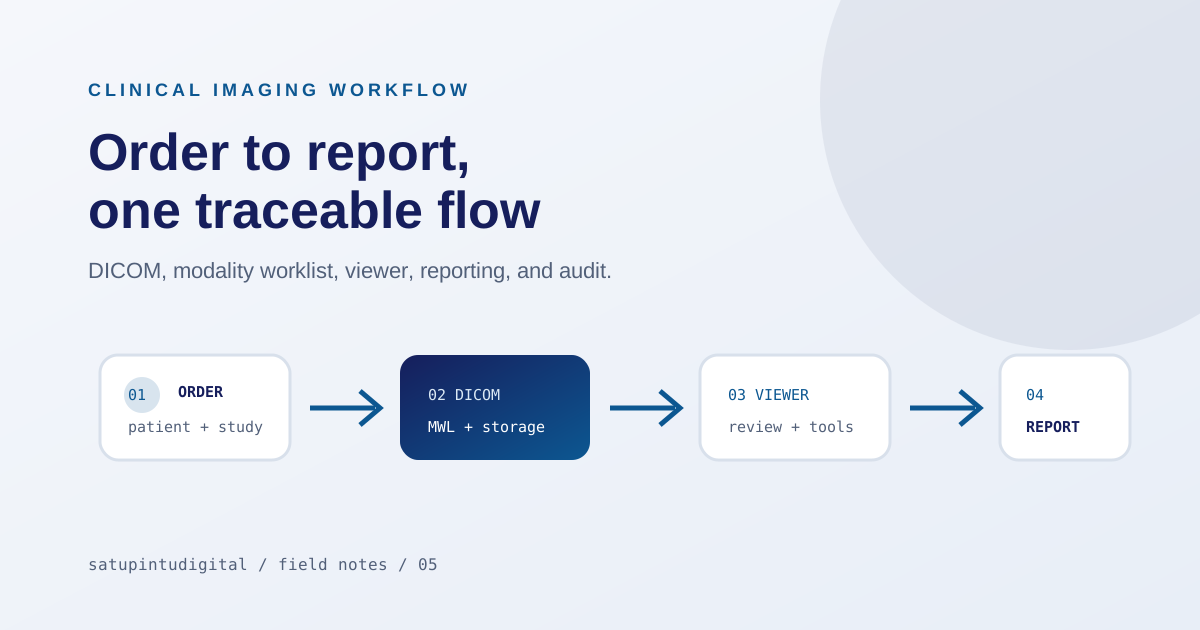
The radiology PACS workflow article covers the path from order to report. This article narrows the focus to external integration readiness and does not replace the official SATUSEHAT documentation.
Start with scope, not assumptions
Write the scope in a testable form:
- what process triggers the exchange;
- which resources are used;
- which identifiers connect patient, order, study, and result;
- which data is required or optional;
- when a transaction is successful;
- how corrections and cancellations are represented;
- whether the system sends metadata, results, references, or another component.
“SATUSEHAT integrated” is too broad without scope. Operations teams should be able to explain the flow and success criteria through a testable example.
Make mappings readable to every role
Mapping should not live only in a technical configuration. Create documentation that administrators, radiology teams, integrators, and project owners can read. At minimum, explain:
- field source;
- transformation or normalization;
- target resource;
- identifier and references;
- behavior for missing or mismatched data;
- correction owner;
- approved example payload or state.
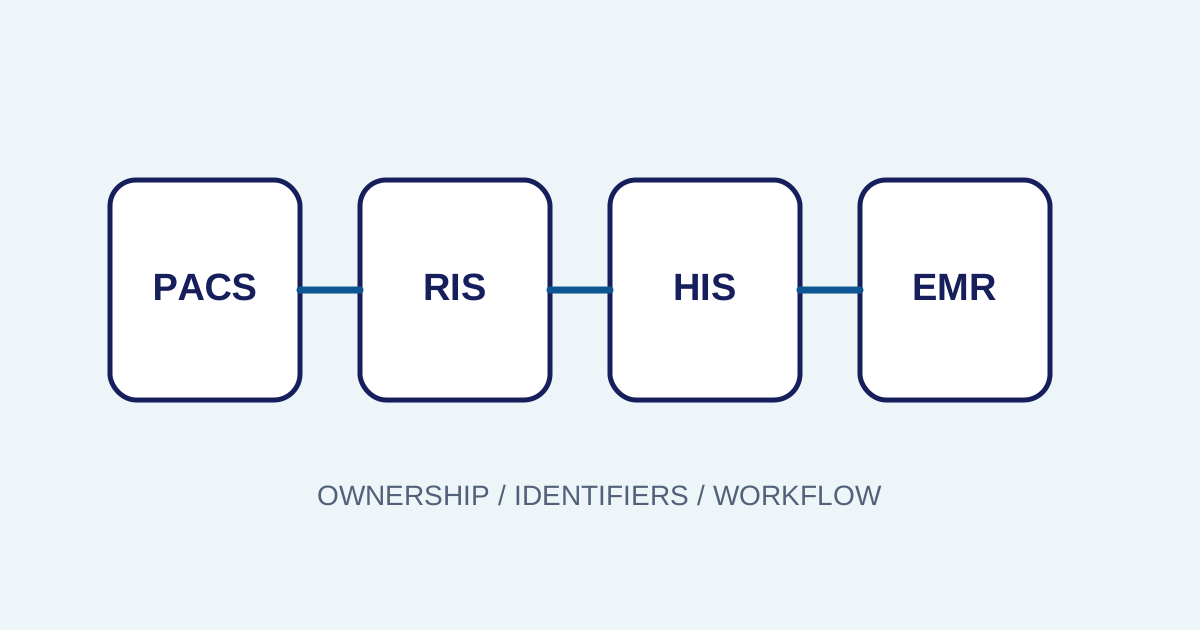
Relationships between patient, organization, practitioner, service request, imaging study, and report should be tested with representative operational data. Do not experiment with production patient data without the approved procedure and consent requirements.
Separate environments and credentials
Testing and production should have clearly separated credentials, endpoints, configuration, and data. Record who created a credential, when it expires, how it is rotated, and who can inspect logs.
Environment differences that commonly create confusion include:
- facility or organization identifiers;
- available resources;
- profiles or validation rules;
- rate or volume limits;
- access rules;
- reference data and mappings.
Test realistic scenarios
A closer look
Normal scenarios matter, but they are not enough. Add incomplete data, mismatched identifiers, duplicates, cancellations, corrections, timeouts, rate-limit responses, and retries. For every case, decide whether it is retried, fixed manually, or escalated.
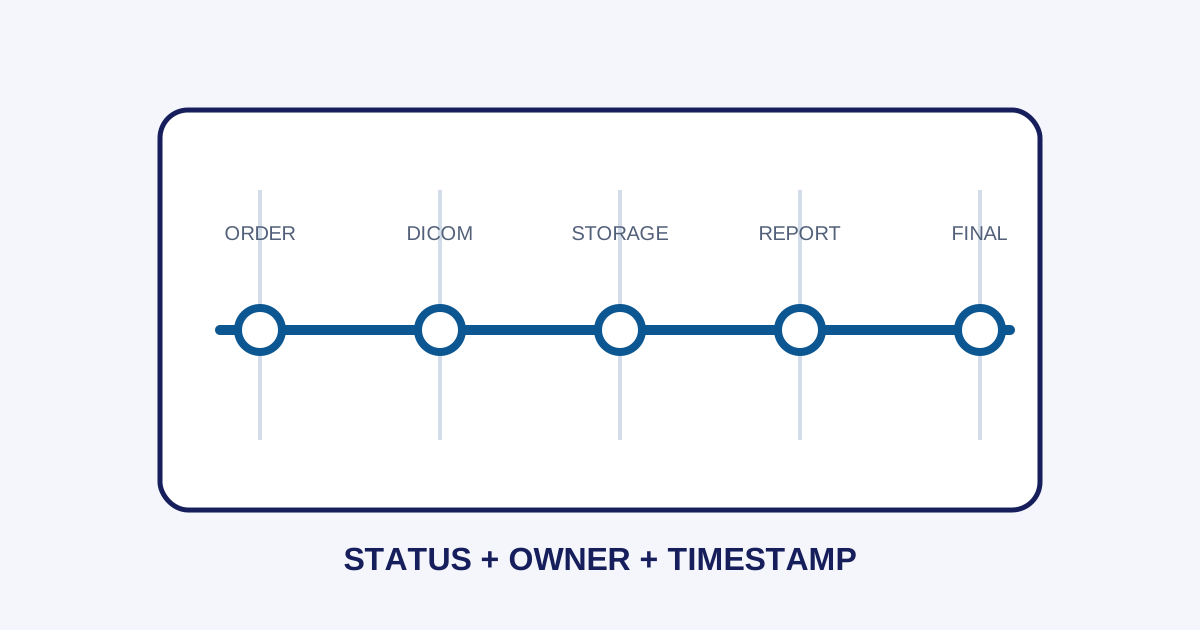
Use idempotency or status checks where available so retries do not create duplicates. Store a correlation ID, time, resource, state, and enough error context for investigation.
Monitoring must lead to action
An integration dashboard should not only show a success count. Show states such as queued, processing, completed, rejected, retrying, and failed when those states match the system. Each failure state needs an owner and a first action.
Useful indicators can include time from final study to transaction, data held by mapping errors, repeated errors per resource, successful retries, and manual corrections. These signals help distinguish process, data, network, and external-system problems.
Relationship to the workflow platform
A closer look
Imagestro-PACS places SATUSEHAT readiness and monitoring after orders, worklists, DICOM, review, and reporting. This mapping supports discussion, but the implementation scope still depends on the facility, HIS/SIMRS, credentials, and applicable requirements.
For the PACS workflow this connects to, see the radiology PACS workflow.
See the SATUSEHAT documentation for the latest technical reference.
For the PACS workflow this connects to, see the radiology PACS workflow.
See the SATUSEHAT documentation for the latest technical reference.
Conclusion
A closer look
Radiology SATUSEHAT integration should start with scope, mappings, ownership, credentials, environments, and monitoring. An API that can be called does not mean the workflow is ready. Go-live criteria should include normal and failure scenarios, correction procedures, and clear responsibilities.
Key terms
Quick glossary
- FHIR
- A resource-based health data exchange standard used to represent clinical and administrative information.
- ImagingStudy
- A FHIR resource that represents imaging study information and its relationship to examination data.
- ServiceRequest
- A resource that can represent a requested healthcare service according to the integration mapping and scope.
- Readiness
- The state of data, process, credentials, environment, and monitoring before an integration enters operations.
Read the sources
References and documentation
Frequently asked
Questions teams ask before implementation
- Is every DICOM image sent directly to SATUSEHAT?
- That cannot be assumed. Scope, resources, mappings, credentials, and facility rules determine what is sent and how imaging or metadata is represented.
- Why can an integration pass testing but fail in production?
- Environments, credentials, endpoints, mappings, volumes, real data, or access rules may differ. Test results should therefore be recorded with configuration and clear go-live criteria.
- What should happen when an integration transaction fails?
- Keep the identifier and correlation ID, separate data errors from connection errors, follow safe retry rules, and escalate to the process owner rather than resending blindly.
Transmit Radiology to SATUSEHAT Without the Setup Hassle
Connect your clinical imaging workflow—from modality worklists and automated accession numbers to web DICOM viewing and SATUSEHAT synchronization. Free Tier available for clinics and hospitals.
Content cluster