/ Healthcare technology
Radiology PACS Workflow: From Order to Report
A map of radiology PACS workflow from order to report: DICOM, Modality Worklist, study states, viewer, and reporting. Includes a pre-pilot readiness checklist.
Short answer: what is a radiology PACS workflow?
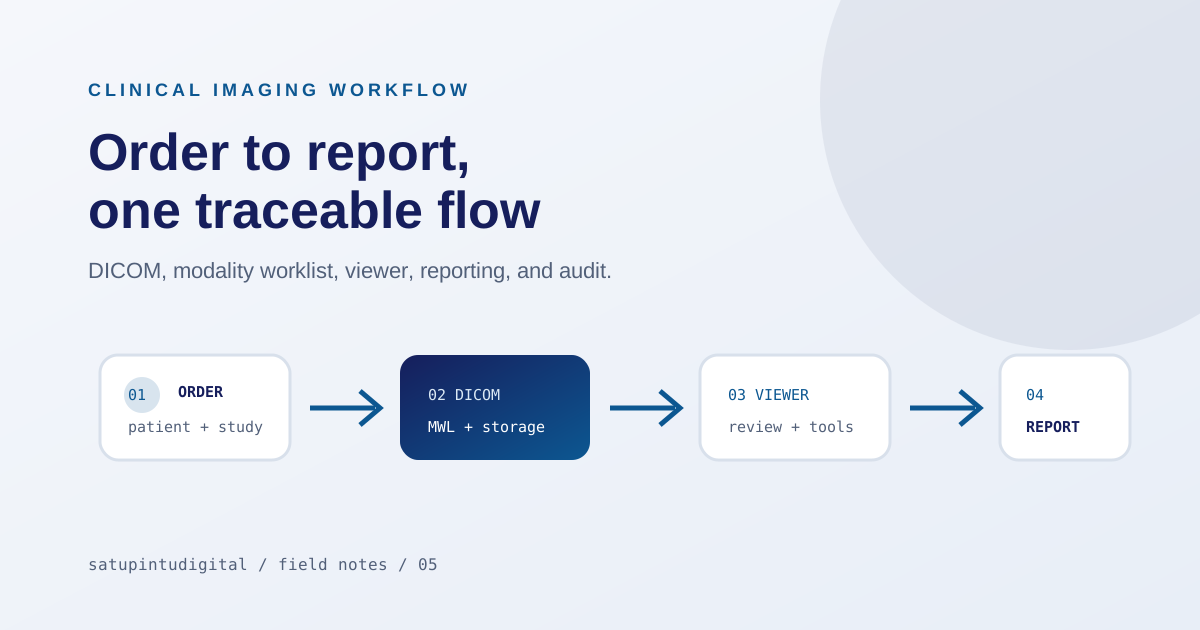
A radiology PACS workflow connects examination orders, patient data, Modality Worklist, DICOM acquisition, routing, storage, viewing, reporting, and—when required—digital health integration. A useful PACS keeps the context of one examination intact from order to report, rather than acting only as an image archive.
An imaging workflow connects many roles
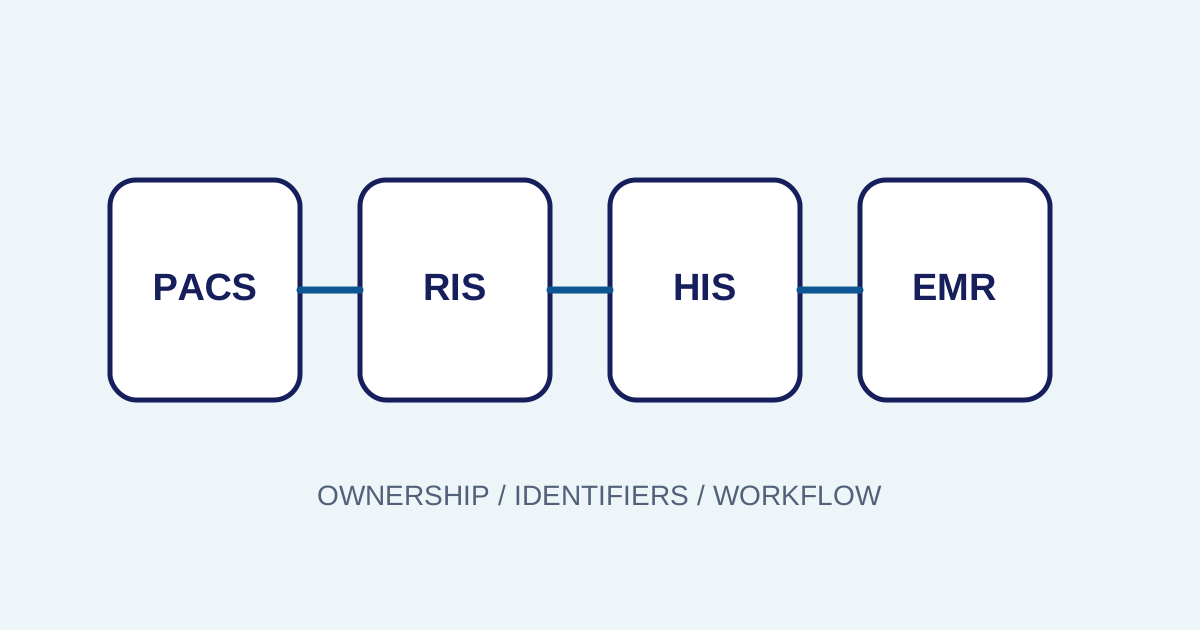
A clear imaging workflow connects administrators, patients, technicians, DICOM systems, radiologists, and IT. Without a clear flow, patient data is entered repeatedly, examination status is hard to see, and integration errors appear late. A PACS is valuable not only for storing images, but for preserving context from order to report.
Orders and accession numbers preserve context
Early validation prevents cascade failures
The order and accession number connect the patient, procedure, priority, modality, and result. Early validation matters because an identity or procedure error can affect every later step. The system should support controlled correction and an audit trail instead of silent changes without context.
Consistent naming rules reduce trust issues
Set consistent naming and mapping rules for modalities, procedures, locations, and study types. Inconsistent terms make filters, reports, and search difficult to trust as devices or departments grow.
DICOM and worklists require configuration
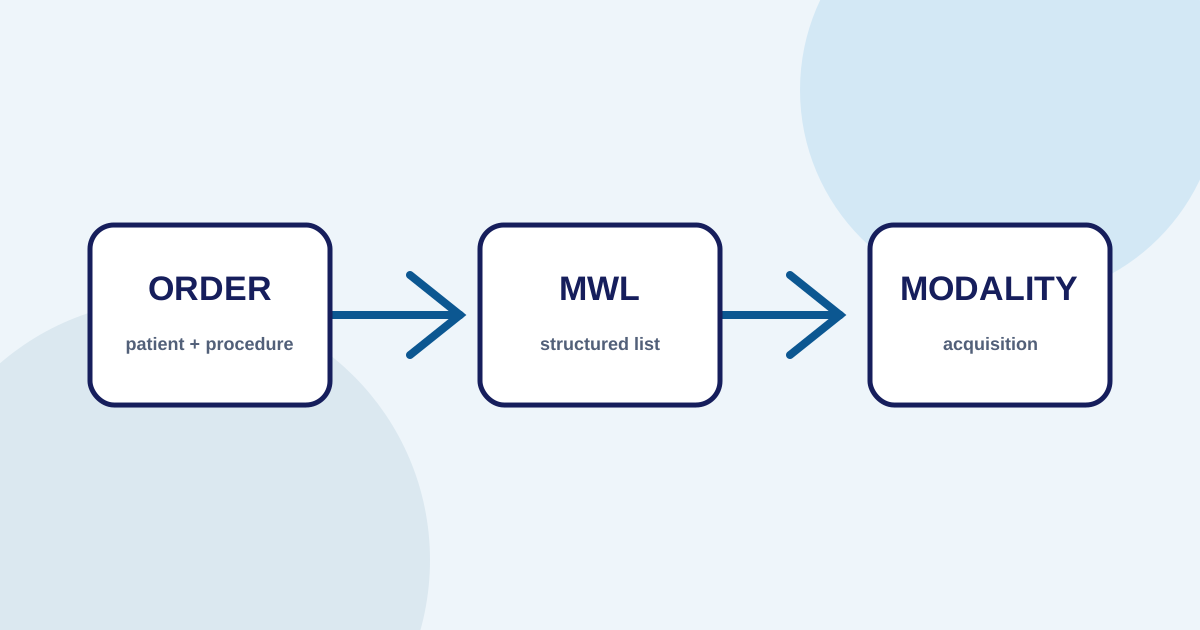
DICOM is an imaging exchange language (defined by the DICOM Standard), but implementation still requires nodes, AE titles, ports, metadata, and mapping rules. Modality Worklist reduces manual entry by providing an order technicians can select before acquisition — see the guide to DICOM Modality Worklist for the full setup and test checklist. Storage and routing connections should be tested in normal and failure conditions.
Make study states traceable
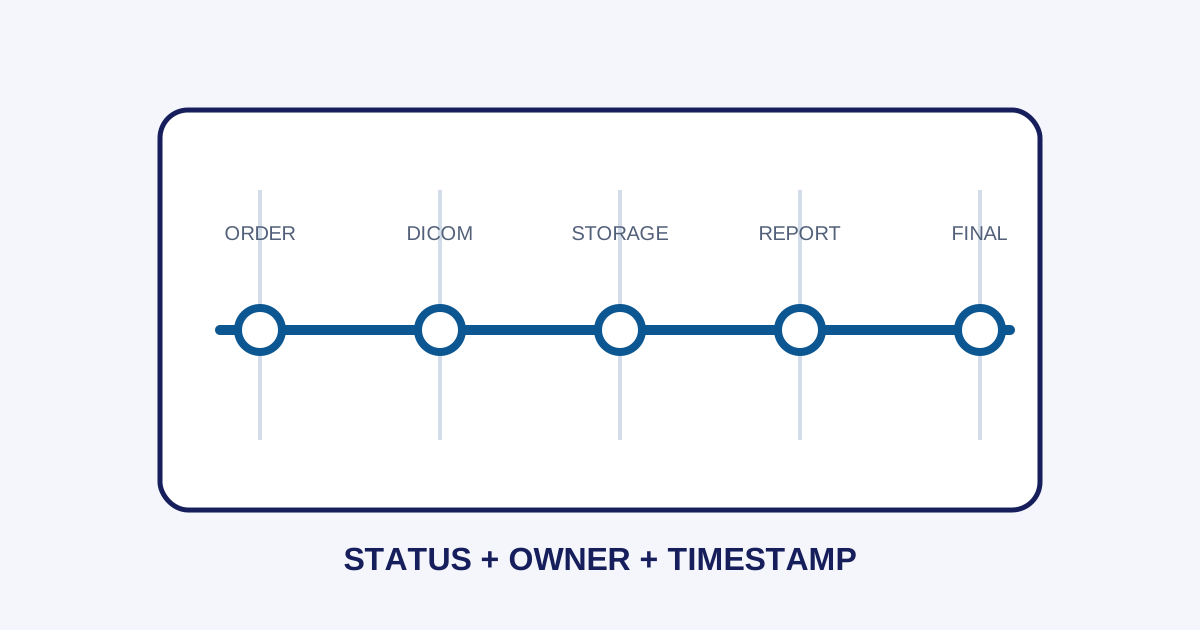
Once a study arrives, the system must handle incomplete files, mismatched patients or accessions, duplicates, and routing failures. Visible states—received, validated, stored, forwarded, or blocked—help operations find the bottleneck without immediately blaming one component. Read PACS audit trails and workflow states for the full guide to designing states, assigning owners, and measuring wait times.
Distinguish connectivity problems from data problems. A missing study may come from an unreachable node, AE-title configuration, mismatched metadata, or inactive routing. A runbook with ordered checks helps isolate the cause.
A viewer supports review but does not replace clinical judgment
A viewer provides tools to review images, while reporting manages text and report status. Both support a radiologist’s work but do not replace clinical judgment. The workflow should separate draft, verification, revision, and finalization so users know when information can still change.
Integration needs readiness and monitoring
Define scope before testing
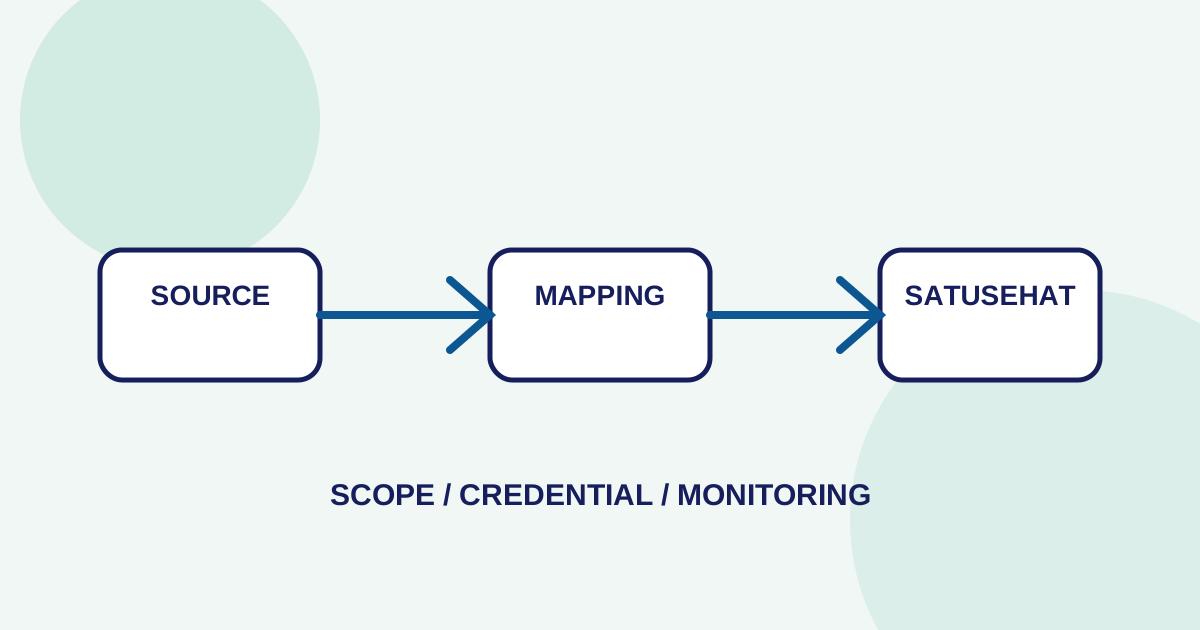
Healthcare integration needs readiness, resource mapping, request status, API responses, and repeatable errors. For SATUSEHAT (see the official SATUSEHAT platform documentation) or another external system, scope depends on tenant configuration, credentials, connection requirements, and facility policy.
Measure indicators that point to action
Before a pilot, measure time from order to worklist, studies blocked by metadata, time from acquisition to report, and repeatable synchronization errors. These indicators help determine whether the cause is process, configuration, network, or integration.
Common pitfalls to address before rollout
Teams that skip a structured readiness review often encounter the same set of problems. Each is preventable with a few hours of planning before the first study goes through the live pipeline.
- Blaming the viewer first. When a study is missing, teams often restart the viewer or ask IT to check the display. In practice, the root cause is usually upstream: the order was never validated, the worklist didn’t populate, or the DICOM transfer failed between the modality and storage. The troubleshooting guide for missing studies provides a 5-step investigation sequence.
- Skipping metadata validation during integration. A study can arrive in storage but contain mismatched patient identifiers, an empty accession number, or a procedure code the viewer can’t match. Validating metadata at the storage boundary catches these issues before the radiologist opens the study.
- Testing only the happy path. Every integration should be tested with incomplete orders, cancelled procedures, duplicate accessions, and unreachable DICOM nodes. If the system silently drops those errors, operations won’t know the study was lost until someone asks.
- Mixing test data with production. A test study that lands in a production viewer creates confusion and wastes time. Isolate environments, use distinct AE titles for staging, and remove test studies before going live.
- No escalation runbook. When an error repeats, the team needs a short, ordered list of who checks what. Without it, every incident starts from scratch and the same questions get asked in a different chat group each time.
Addressing these five pitfalls before rollout turns a reactive launch into a measured one. The indicators covered in the integration section above provide the monitoring baseline; the points here cover the operational habits that make that monitoring actionable.
Example mapping in Imagestro-PACS
The Imagestro-PACS product page maps this workflow across orders and patients, modality worklists, DICOM, review and reporting, and SATUSEHAT readiness. Read the product capability together with the facility’s network, HIS/SIMRS, credentials, and governance requirements because implementation scope varies.
Security and governance must run throughout the workflow
Separate concerns by layer
Apply tenant isolation, role-based access, least privilege, access logging, and a retention policy aligned with the facility. Separate test environments from production data. Changes to mappings, report templates, modality connections, or user access need an owner, timestamp, and rollback path.
Review regularly with the people who run the workflow
Review the workflow with administrators, technicians, radiologists, and IT. Operational documentation should be concise, use consistent state names, include common error examples, and explain when to escalate. With clear clinical boundaries and governance, a workflow platform can support safe operational improvement.
Frequently asked
Questions teams ask before implementation
- What is a radiology PACS workflow?
- A radiology PACS workflow connects examination orders, patient data, Modality Worklist, DICOM acquisition, routing, storage, viewing, reporting, and when required digital health integration. A useful PACS keeps context intact from order to report rather than storing only images.
- Does a PACS replace clinical judgment?
- No. A PACS supports workflow, image access, status visibility, and documentation. Clinical interpretation remains the responsibility of qualified healthcare professionals according to facility policy. The platform provides tools but does not make clinical decisions.
- What should you check when a study is missing from the viewer?
- Check in order: order validation, Modality Worklist synchronization, DICOM metadata match, node connectivity, routing status, storage indexing, and user access permissions. A runbook with ordered checks isolates the cause faster than guessing component by component.
Transmit Radiology to SATUSEHAT Without the Setup Hassle
Connect your clinical imaging workflow—from modality worklists and automated accession numbers to web DICOM viewing and SATUSEHAT synchronization. Free Tier available for clinics and hospitals.
Content cluster